
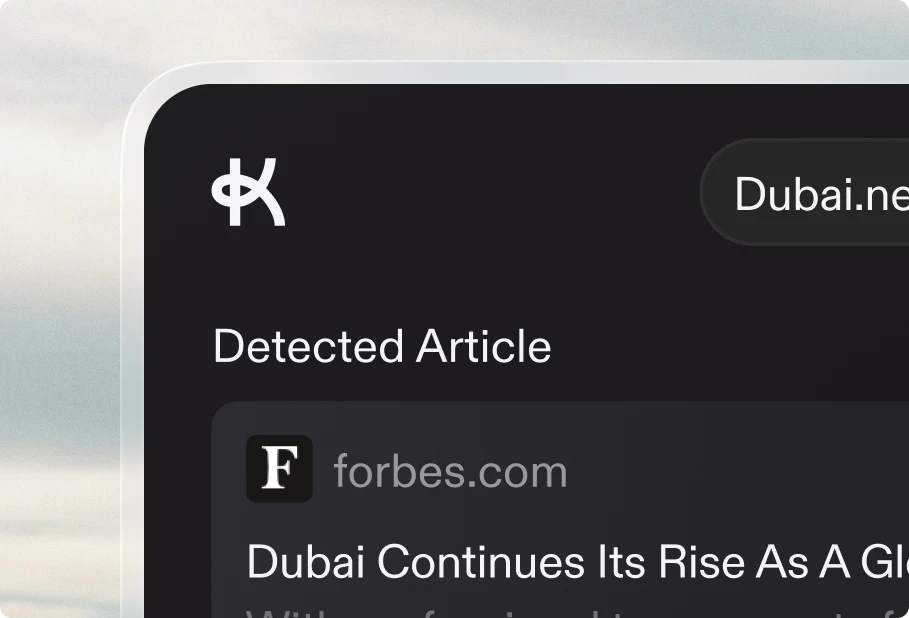

You can now publish your content directly to WordPress! Connect your WordPress site using the REST API and publish your articles with a single click.
WordPress is one of the most popular content management systems, and now it's fully integrated with Keytail. Whether you're running a self-hosted WordPress site or using WordPress.com, you can seamlessly publish your generated articles without leaving Keytail.
How it works
1. Connect your WordPress site: Navigate to your project settings and go to the Integrations tab. Enter your WordPress site URL, username, and application password.
2. Configure your settings: Choose your post type (posts, pages, or custom post types), set the default post status, and map your content fields to match your WordPress structure.
3. Publish with one click: Once connected, you can publish any generated article directly to your WordPress site. All your content, including images and formatting, will be published exactly as created in Keytail.
4. Use with the Publishing Queue: WordPress works seamlessly with the Publishing Queue, so you can schedule your content to be published automatically at your preferred times.
No plugins required on your WordPress installation—everything works through the WordPress REST API. Perfect for content creators who want to maintain their WordPress workflow while leveraging Keytail's AI-powered content generation.