
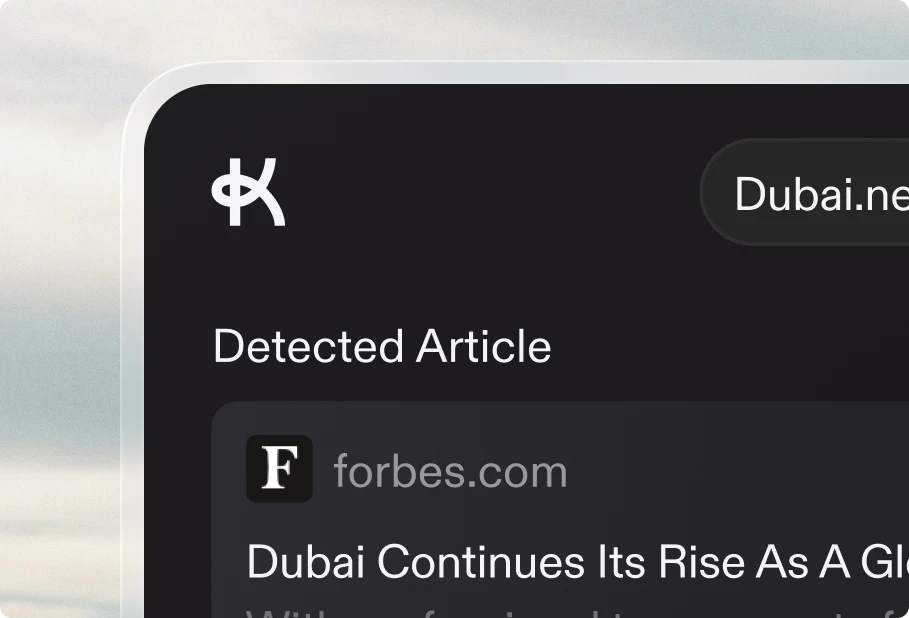

Take full creative control over your article images. Instead of relying solely on automatic generation, you can now describe exactly what you want to see in your thumbnail—and Keytail will combine your vision with your project's context and professional style settings.
When regenerating a thumbnail in the editor, select "Custom" from the regenerate menu. A dialog opens where you describe your ideal image in plain language. For example: "A woman working on her laptop in a bright coffee shop, smiling while video chatting with colleagues."
You can also optionally select a framing style from four visual presets—ranging from wide environmental shots to tight, focused portraits. Each option includes an example preview so you can see exactly how your image will be composed. If you skip this step, Keytail's AI will automatically select the best framing for your scene.
Your custom description is intelligently merged with your imagery settings and brand context, ensuring every generated image stays consistent with your visual identity while matching your creative direction.