
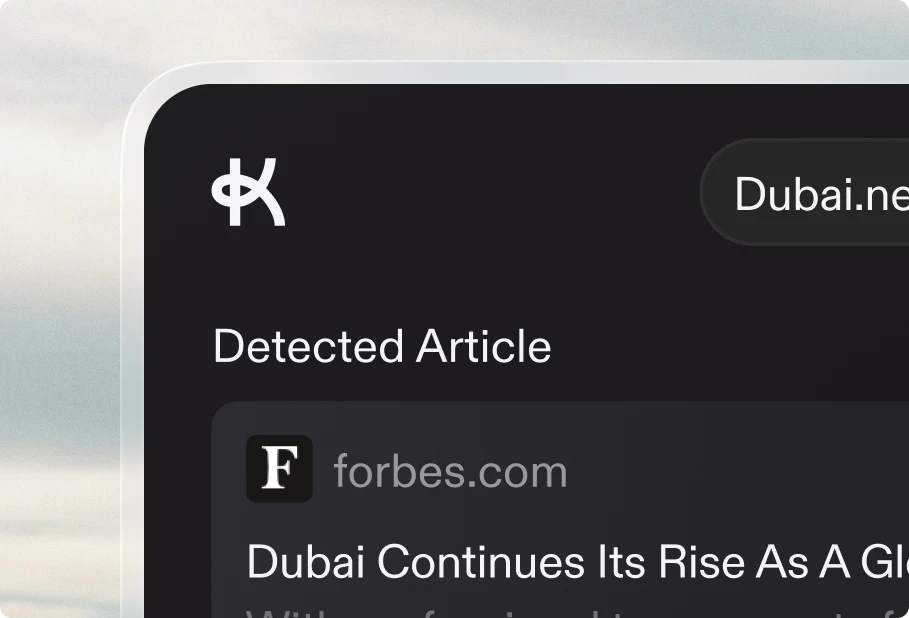

Keytail now scans your entire website and keeps track of every page — automatically. A new Site Intelligence tab in your project settings lets you trigger a scan, view all discovered pages, and monitor your site structure at a glance. Scans refresh weekly so your data stays current without any manual work.
This also makes internal linking smarter. When Keytail generates an article, it now references all your existing pages — not just published blog posts — to find the most relevant linking opportunities. The result is more natural, contextual links that strengthen your entire site, not just your blog.
Other improvements
- The URL input popover now includes a searchable list of your indexed pages, so you can quickly find and link to any page on your site. You can still enter a URL manually.
- A new Brand Summary field in project settings lets you describe your brand in your own words, so Keytail generates content that matches your voice and positioning.
- You can now recover and reset your password if you forget it.
- Thumbnail actions now appear on hover, keeping the editor cleaner and more focused on your content.
- The publishing queue day picker now features a smoother animated selection.
- Editor toolbar now shows helpful tooltips on hover.
Fixes
- Fixed thumbnail selection not persisting correctly when publishing.
- Fixed dark mode styling in the editor toolbar.
- Fixed form layout issues in project settings.
- Fixed author attribution in blog post metadata.